
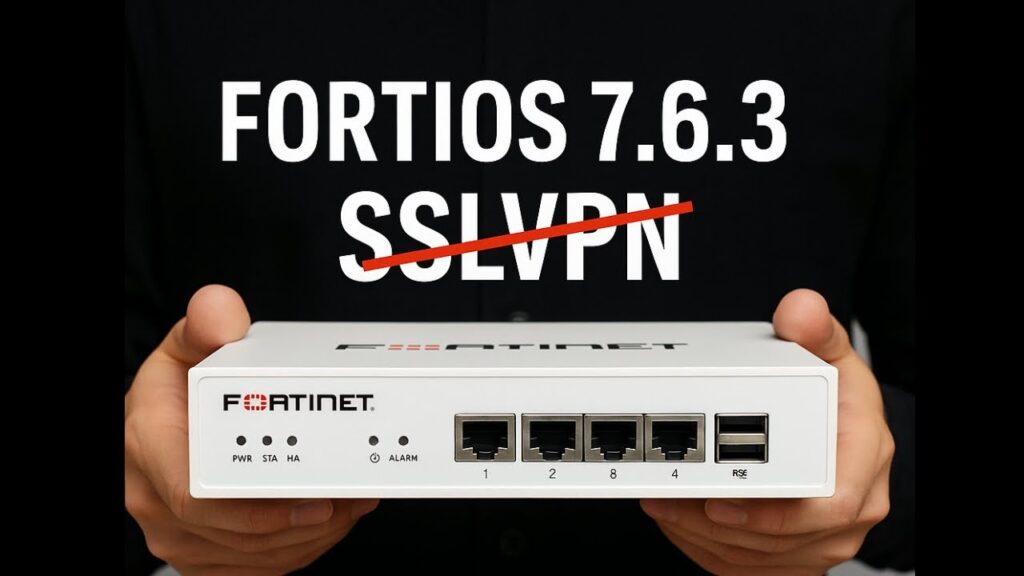
Fortinet has made a significant change in how remote access VPNs function on FortiGate devices with the release of FortiOS 7.6.3 and above: SSL VPN tunnel mode has been removed and replaced with IPsec VPN. This shift impacts organizations that still depend on SSL VPN for full-tunnel remote access.
 What’s Changing?
Starting with FortiOS 7.6.3, the traditional SSL VPN tunnel mode:
-
Is no longer available in both the GUI and CLI
-
Will not be upgraded or preserved during a firmware upgrade from earlier versions
-
Applies to all FortiGate models
If your organization upgrades to 7.6.3 (or later) without migrating first, existing SSL VPN tunnel configurations will stop working.
 SSL VPN Isn’t Gone Completely — But It’s Changed
Fortinet has retained browser-based remote access but renamed SSL VPN web mode to Agentless VPN. This provides web-based access to internal applications without requiring a client.
However, it does not provide the same full network tunnel functionality that SSL VPN tunnel mode offered. Organizations that rely on mapped drives, RDP sessions, VoIP applications, or full internal subnet access will need to look at alternative solutions.
 Why This Matters
This change has real operational impact:
-
Existing SSL VPN tunnel configs will disappear after upgrade
-
Users connecting via FortiClient in tunnel mode will lose connectivity
-
IT teams risk remote access outages if migration is not planned
Fortinet is encouraging organizations to migrate toward IPsec VPN, which provides a standards-based, secure tunneling method and can be configured to operate over TCP 443 for environments with restrictive outbound firewall rules.
 Should You Consider ZTNA Instead?
While migrating to IPsec VPN is the direct replacement path, this change also presents an opportunity to modernize remote access architecture.
Many organizations are now evaluating Zero Trust Network Access (ZTNA) as a long-term alternative to traditional VPNs.
Fortinet offers ZTNA capabilities through FortiClient and the broader FortiGate ecosystem, allowing:
-
Application-level access instead of full network access
-
Identity-based policies
-
Device posture checks
-
Reduced attack surface compared to full-tunnel VPN
-
Seamless integration with SSO and MFA
Unlike traditional VPNs that place users “on the network,” ZTNA grants access only to specific applications after verifying identity and device trust.
For organizations focused on cybersecurity maturity, compliance, or ransomware risk reduction, this may be a strategic moment to transition away from full-tunnel remote access entirely.
 What You Should Do Now
-
Audit Your Current SSL VPN Usage
Identify who is using tunnel mode and what resources they access. -
Evaluate Your Options
-
Migrate to IPsec VPN for like-for-like replacement
-
Consider implementing ZTNA for application-specific access
-
-
Test Before Upgrading
Do not upgrade to FortiOS 7.6.3+ until your replacement remote access solution is fully tested. -
Communicate With Users
Update documentation and connection instructions ahead of any change.
 Final Thoughts
The removal of SSL VPN tunnel mode in FortiOS 7.6.3 is more than a firmware update — it’s a turning point in remote access strategy.
You can:
-
Treat this as a simple IPsec migration
or -
Use it as an opportunity to modernize with ZTNA and reduce long-term risk.
Either way, planning ahead is critical to avoid downtime and user disruption.